Watchdoc - Document Archiving - Activation
Accessing the configuration interface
-
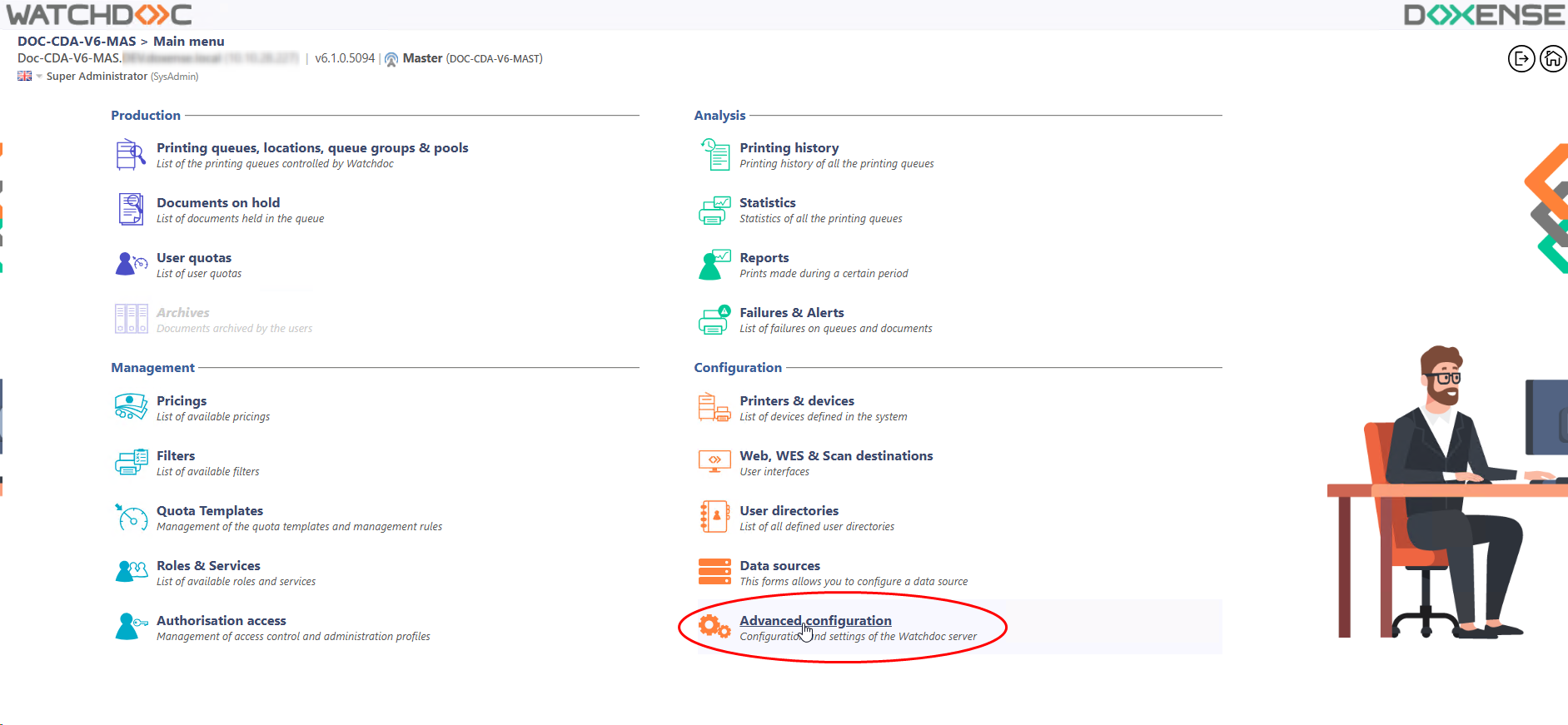
From the Main menu in the administration interface,
-
in the Configuration section, click on Advanced configuration:
-
in the PRINT > Advanced Configuration, click on Document archiving:
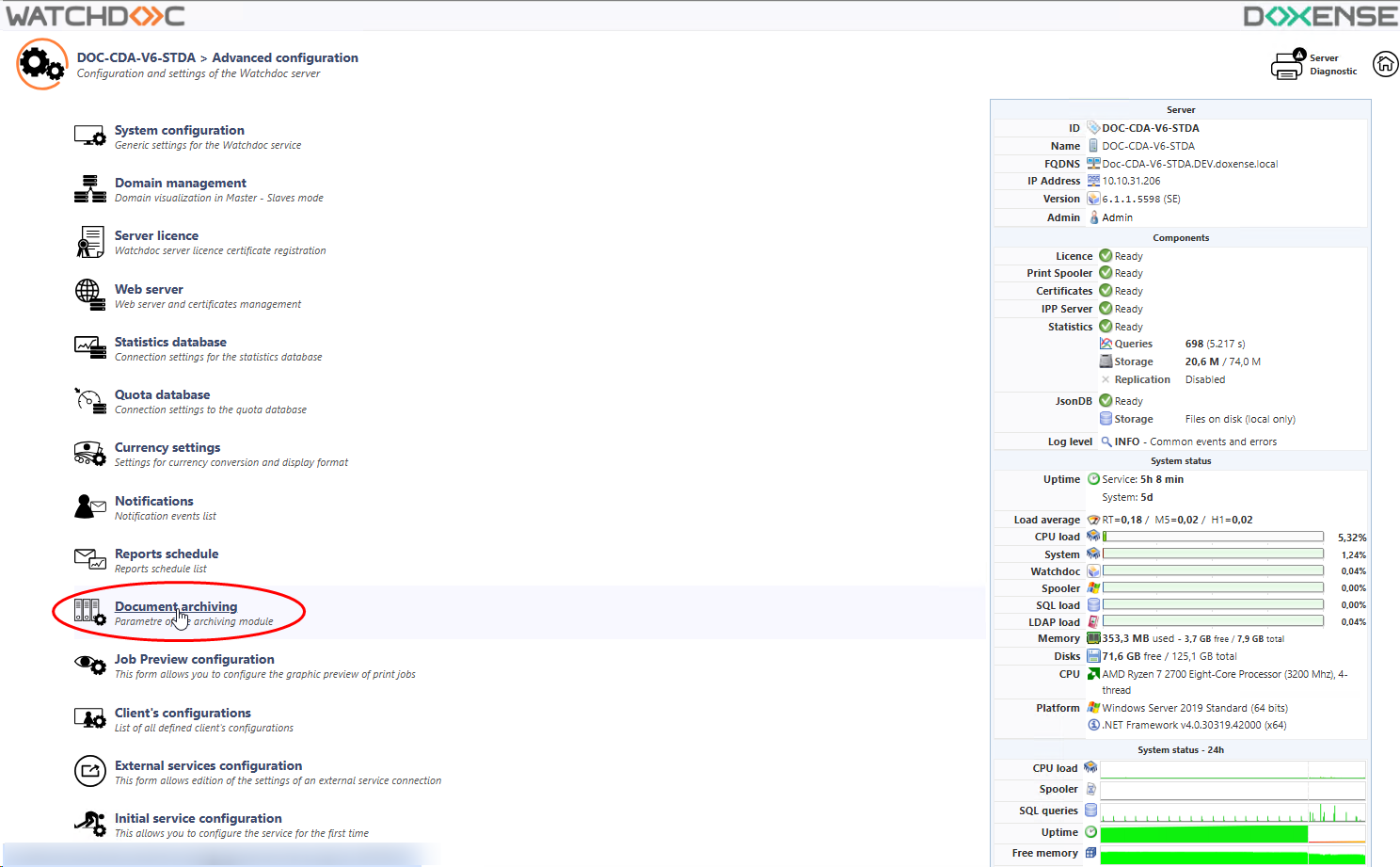
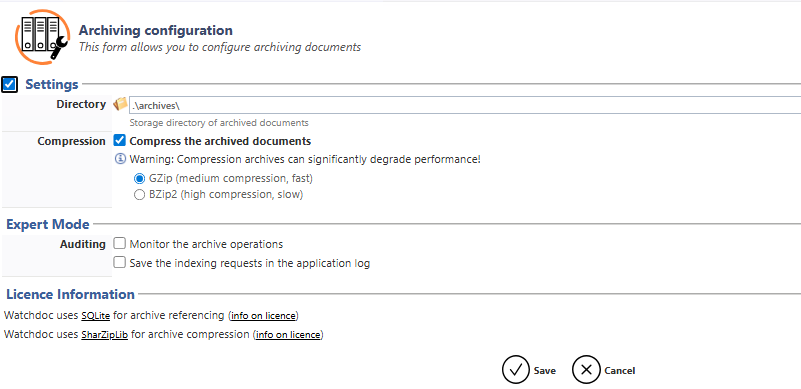
èYou will access the Archiving Configuration interface.
Presentation of the interface
The Archiving configuration interface comprises 3 sections:
-
Settings: shows all information specific to the archiving function;
-
Expert Mode :shows all tools designed to perform an audit of the print jobs;
-
Licences Information: licence Information: shows all information specific to the applications used for indexing and compressing archives.