Presentation of the role administration interface
Accessing the configuration interface
-
From the Main menu in the administration interface,
-
from the Configuration section, click on Roles:
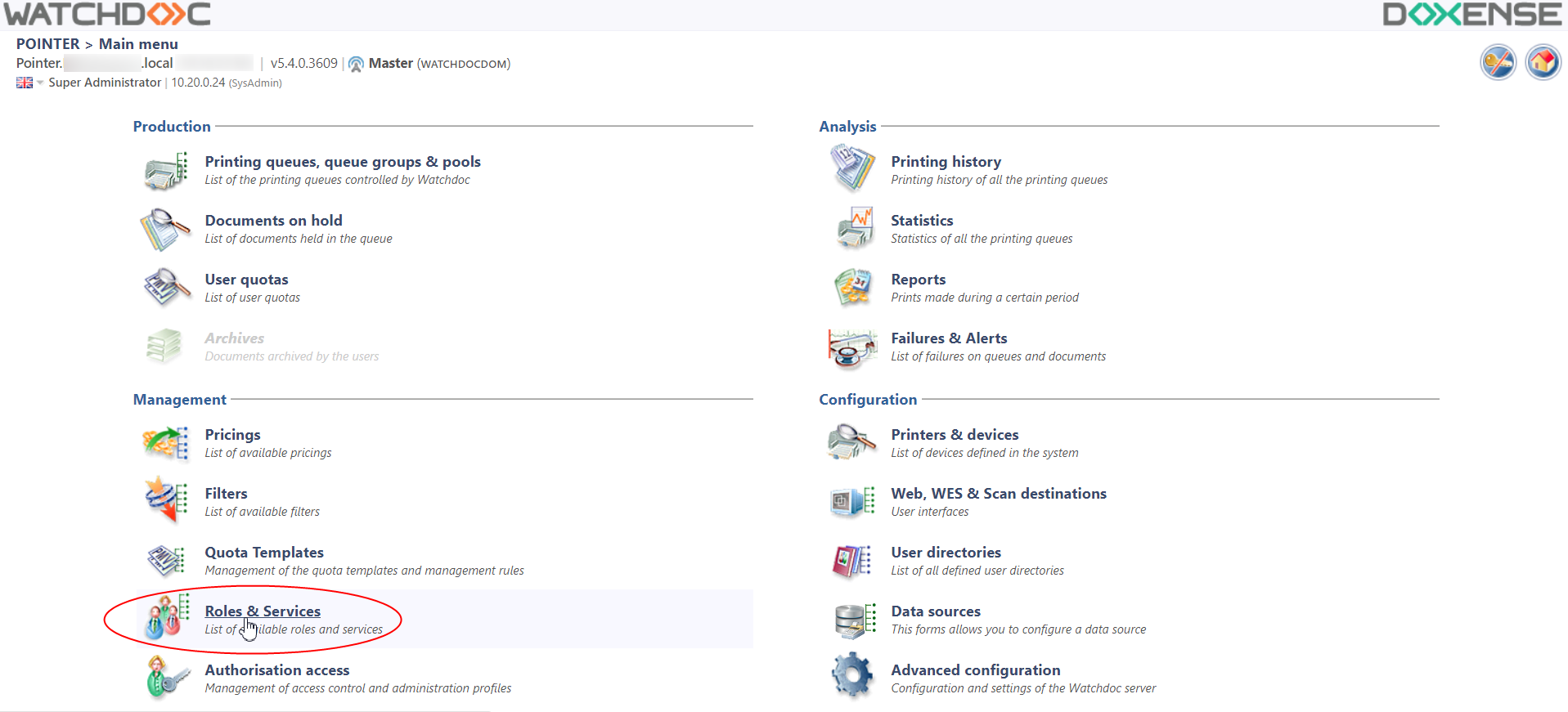
è You will access the list of roles declared in Watchdoc: 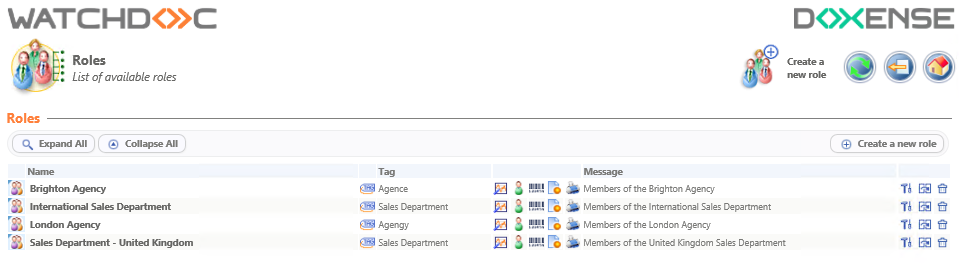
Description of tools in the Roles section
Every line presenting a role comprises the following tools:
-
The Change this role
 button lets you open the role in a specific interface to study its configuration and change it,
 -
The Duplicate this role
 button lets you take a role as a model to create a new one instead of creating one from scratch.
Before using the duplication tool, make sure that there will not be more parameters to change than to retain.
-
The Delete this role button
 lets you delete a role that is no longer used. Deletion only becomes effective after confirmation
Description of Information in the Roles and Services section
Every line presenting a role comprises the following information:
-
The Name of the role,
-
The Tag assigned to the role, if one is defined,
Buttons used to access the role's statistics generation interface
-
 Overall role statistics, for all of the print queues,
 -
 Statistics for the role with restrictions by user,
 -
 Statistics for the role with restrictions by code,
 -
 Statistics for the role with restrictions by application,
 -
 Statistics for the role with restrictions by application.
 -
The description assigned to the role, displayed in the Message column.