Principle
The WPC for Windows update must be launched from the update program included in the .msi file for the new version.
Procedure
-
Download the new version of WPC for Windows from doc.doxense.com;
-
as an administrator, access the workstations on which WPC for Windows needs to be updated. If you are using GPO, go to the server that controls the group policy;
-
close WPC for Windows on the workstation(s) to be updated;
-
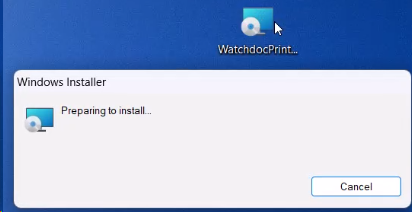
double-click the WatchdocPrintClient-[version_number].msi file:
-
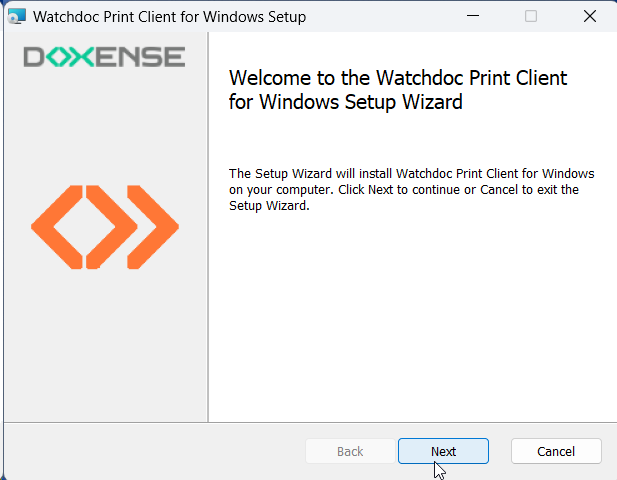
in the installation wizard, click Next:
-
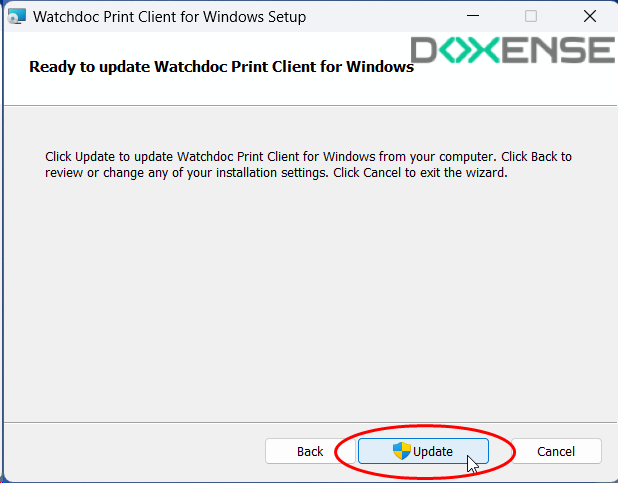
In the update interface, click Update:
-
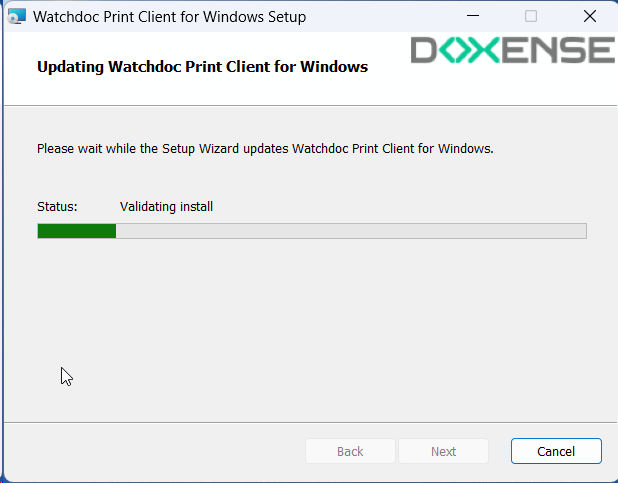
A message asks you to wait while the update is in progress:
-
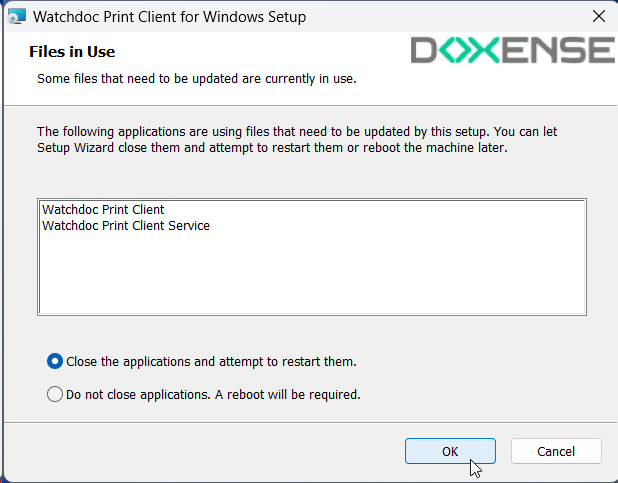
If WPC for Windows was not closed on the workstation(s), a message prompts you to close the application to continue the update:
-
At the end of the operation, WPC for Windows opens and prompts the user to log in:

-
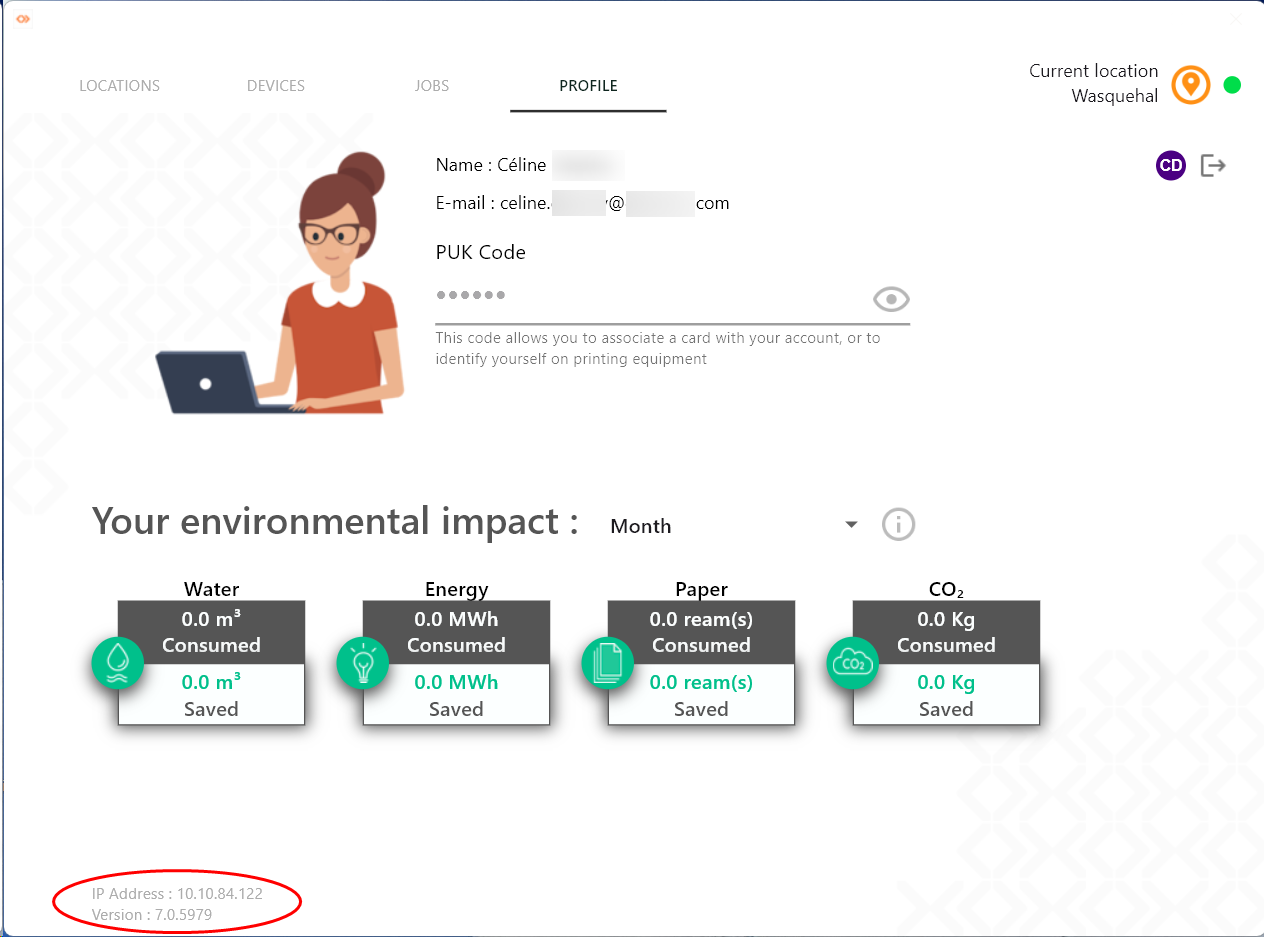
Once the user is logged into WPC, go to the Profile tab to check the version number installed (at the bottom left of the interface):